Searchable encryption in Postgres: a working guide with CipherStash Stack and EQL

Encrypt sensitive data and you can no longer search it. That's the friction that pushes most teams toward one of two unhappy choices: skip encryption "for now" and hope nothing leaks, or wedge in homomorphic encryption and live with five-figure-slower queries.
There is a third option, and it has been quietly working in production for years. It is built specifically for Postgres, the encrypted indexes plug into normal Postgres indexing, and it is roughly 410,000× faster than fully homomorphic encryption on the queries you actually run — and close to no-encryption performance for most workloads.
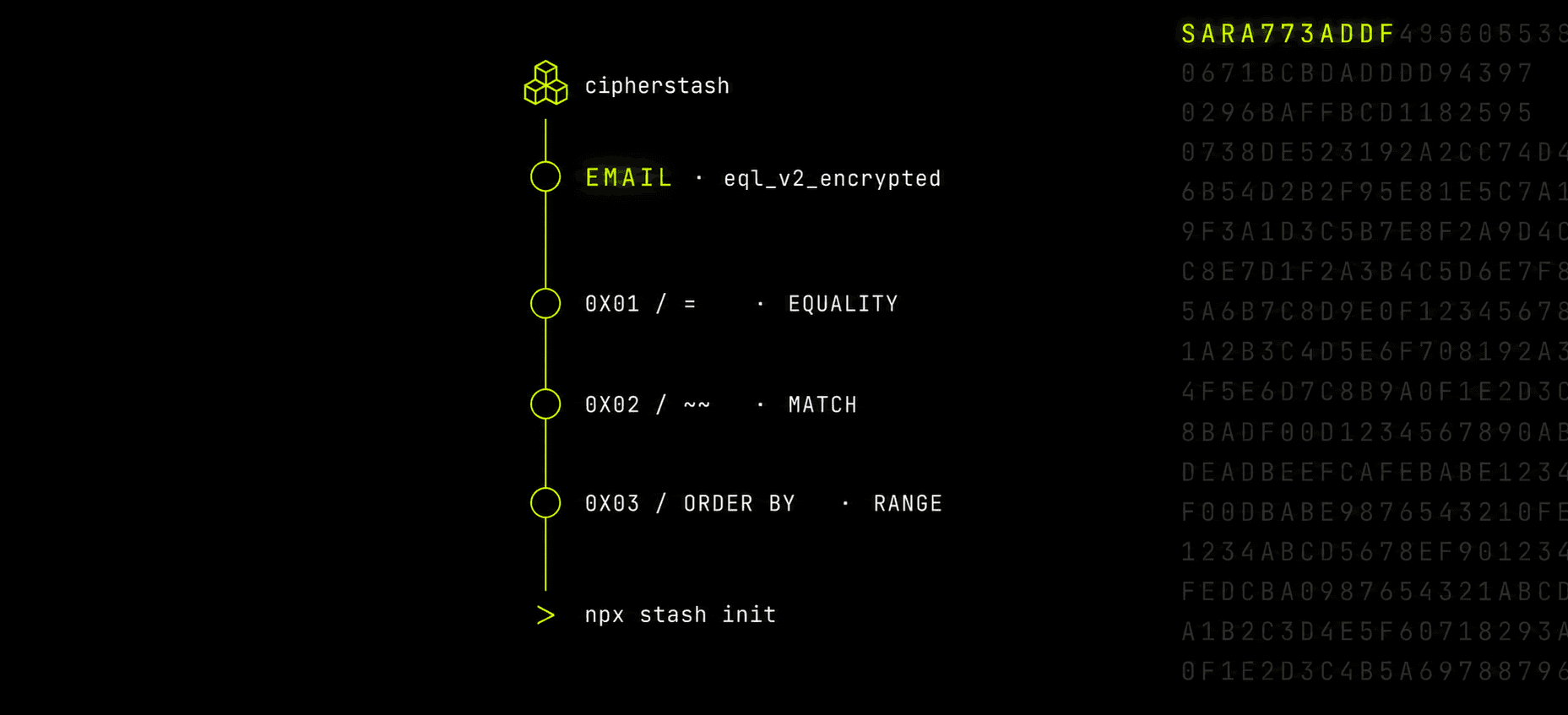
This post is a working guide. By the end you will have a Postgres table with an encrypted email column, the associated database indexes, and three real queries — equality, free-text search, and ordering — running over ciphertext with no plaintext touching the database.
What "searchable encryption" actually means
The phrase covers three different things people sometimes lump together.
- Transparent Data Encryption (TDE) — disk-level encryption. Protects against a direct attack on the server infrastructure (stolen disks, physical access, raw filesystem reads). Does nothing once an attacker is inside Postgres.
- Column-level encryption with
pgcrypto/pgsodium— encrypt at insert, decrypt at read. You can'tWHEREon the column without decrypting it row by row, so indexes are out by construction. And the encryption key has to be passed in everyINSERT/SELECTstatement, which exposes it to the database server itself and to anything that logs SQL. - Homomorphic encryption (FHE) — math under encryption. Real, sound, slow enough that sub-second queries become multi-minute ones.
What you almost always want is the fourth thing — encryption in use: data encrypted at rest, queries evaluated by Postgres without decrypting, and an attacker reading the database files sees only ciphertext.
The usual answers and why they fail
pgcrypto/pgsodiumfor everything. Fine for fields you store but never search. The moment you need aWHEREyou're scanning the whole table and decrypting every row. There are no indexes on encrypted columns, by construction — and the per-query key exposure described above.Homomorphic encryption. Cryptographically beautiful and operationally unusable for OLTP. Saved for analytics in research environments.
The right shape of the answer is purpose-built encrypted index structures that Postgres can use the way it uses any other index, with plaintext only ever existing in your application's memory.
EQL: encrypted columns and indexes inside Postgres
Encrypt Query Language (EQL) is an open-source library that installs into any Postgres database as a set of types and functions. No extension is required, which means it works on managed Postgres: AWS RDS, Google Cloud SQL, Azure Database, Supabase.
EQL gives you:
- An
eql_v2_encryptedcolumn type that holds ciphertext plus encrypted search structures. - Four encrypted index types:
- equality — HMAC-keyed hash for
WHERE col = $1,GROUP BY, andUNIQUE. - match — Bloom-filtered n-grams for free-text search (closer in spirit to
tsearchthan to SQLLIKE). - ore — Order-Revealing Encryption for
<,>,BETWEEN, andORDER BY. - ste_vec — Structured Encrypted Vector for JSONB containment (
@>) and JSONPath.
- equality — HMAC-keyed hash for
- Operator overloads so Postgres' planner picks these indexes automatically.
The plaintext never leaves your application. Postgres only ever evaluates the encrypted index.
A working example, end to end
The fastest path through the entire setup is one command:
npx stash initThat installs EQL into your database, sets up auth, and generates a starter encryption client. The walkthrough below is what stash init produces, decomposed — useful both as a mental model and as a reference if you'd rather wire it up by hand.
1. Describe what's encrypted in TypeScript
// src/encryption/schema.tsimport { encryptedTable, encryptedColumn } from '@cipherstash/stack/schema'export const users = encryptedTable('users', { email: encryptedColumn('email') .equality() // WHERE email = $1 .freeTextSearch() // n-gram match (see below) .orderAndRange(), // ORDER BY / range})The TypeScript schema is the source of truth — the Stack client reads it at runtime to know how to encrypt each column and to assemble valid queries.
2. Create the table
CREATE TABLE users ( id BIGINT GENERATED ALWAYS AS IDENTITY PRIMARY KEY, email eql_v2_encrypted);Then add a database index per query pattern you actually use:
-- equality lookups (=, GROUP BY, UNIQUE)CREATE INDEX idx_users_email_eq ON users USING HASH (eql_v2.hmac_256(email));-- free-text n-gram match (~~)CREATE INDEX idx_users_email_match ON users USING GIN (eql_v2.bloom_filter(email));-- ORDER BY / rangeCREATE INDEX idx_users_email_range ON users USING BTREE (eql_v2.ore_block_u64_8_256(email));The exact CREATE INDEX syntax differs slightly between self-hosted Postgres and managed providers; the docs cover each variant.
3. Sign in to CipherStash
If you don't have an account yet, sign up. Then:
npx stash auth loginThat creates a local profile at ~/.cipherstash/ — the SDK reads it automatically in development, so there's nothing else to configure on your laptop. (npx stash init from the top of this walkthrough wraps the same login into a full guided project setup if you'd rather use it.)
For production, generate API credentials in the CipherStash dashboard and set the env vars referenced in the next step.
4. Initialise the client
// src/encryption/client.tsimport { Encryption } from '@cipherstash/stack'import { users } from './schema'// In dev: reads your local ~/.cipherstash/ profile.// In prod: reads CS_WORKSPACE_CRN / CS_CLIENT_ID / CS_CLIENT_KEY /// CS_CLIENT_ACCESS_KEY env vars (generated in the CipherStash dashboard).export const encryption = await Encryption({ schemas: [users] })5. Encrypt on insert
import { encryption } from './encryption/client'import { users } from './encryption/schema'const encrypted = await encryption.encrypt('[email protected]', { table: users, column: users.email,})if (encrypted.failure) throw new Error(encrypted.failure.message)await db.query( 'INSERT INTO users (email) VALUES ($1::jsonb)', [encrypted.data],)6. Query the encrypted column
Equality — find a user by their (encrypted) email:
const term = await encryption.encryptQuery('[email protected]', { table: users, column: users.email, queryType: 'equality',})if (term.failure) throw new Error(term.failure.message)const result = await db.query( 'SELECT * FROM users WHERE email = $1::eql_v2_encrypted', [term.data],)const decrypted = await encryption.bulkDecryptModels(result.rows)console.log(decrypted.data) // [{ email: '[email protected]', ... }]Free-text search — note this is an n-gram match, not a SQL LIKE:
const term = await encryption.encryptQuery('alice', { table: users, column: users.email, queryType: 'freeTextSearch',})const result = await db.query( 'SELECT * FROM users WHERE email ~~ $1::eql_v2_encrypted', [term.data],)The ~~ operator runs over a Bloom-filtered set of 3-character n-grams of the indexed text. It is closer in spirit to a substring tsearch than to SQL LIKE: matching is case-insensitive, multi-word inputs are supported, and there is no concept of leading-wildcard or positional patterns (%foo is not a thing; "foo" matches anywhere it appears).
Ordering — list users alphabetically by email:
SELECT id, email FROM users ORDER BY eql_v2.ore_block_u64_8_256(email);(Range queries follow the same encryptQuery pattern with queryType: 'orderAndRange'.)
Plaintext never crossed the wire to Postgres. The query planner used the encrypted indexes the way it would use any other index.
What an attacker sees
A pg_dump of the table looks like ciphertext JSONB and opaque index structures. There are no plaintext column values, no document hashes you could rainbow-table, no shared deterministic ciphertext between users. A snapshot, a backup, a stolen credential, an over-permissioned admin — they all see the same thing: ciphertext with no key.
The key itself never leaves your application's process boundary. Per-value keys are derived on demand from a root key held in your own AWS KMS account, brokered by ZeroKMS. CipherStash never sees your data or your keys.
When not to use it
- Free-text search across paragraph-scale fields. Bloom-filter n-grams trade a small false-positive rate for index size; that's a great tradeoff for emails, names and identifiers, but not for searching War and Peace. Reach for a dedicated full-text search system over plaintext-on-trusted-infra in that case.
Get started
npx stash init— the fastest path: auth, EQL install and a starter client in one command.- Docs: Searchable encryption with Stack
- EQL on GitHub: cipherstash/encrypt-query-language
@cipherstash/stackon npm: @cipherstash/stack- Working examples:
cipherstash/stack/examples— self-contained Postgres + Node apps using the schema and queries above.